Default apps: choose for portability, not habit
A practical checklist for replacing everyday apps without losing access to notes, files or accounts.
An archived personal list of default apps attracted links to this address. A list of someone else's choices would age quickly and would imply that this edition uses their accounts. This new guide asks a more durable question: can you leave an app without losing your work?
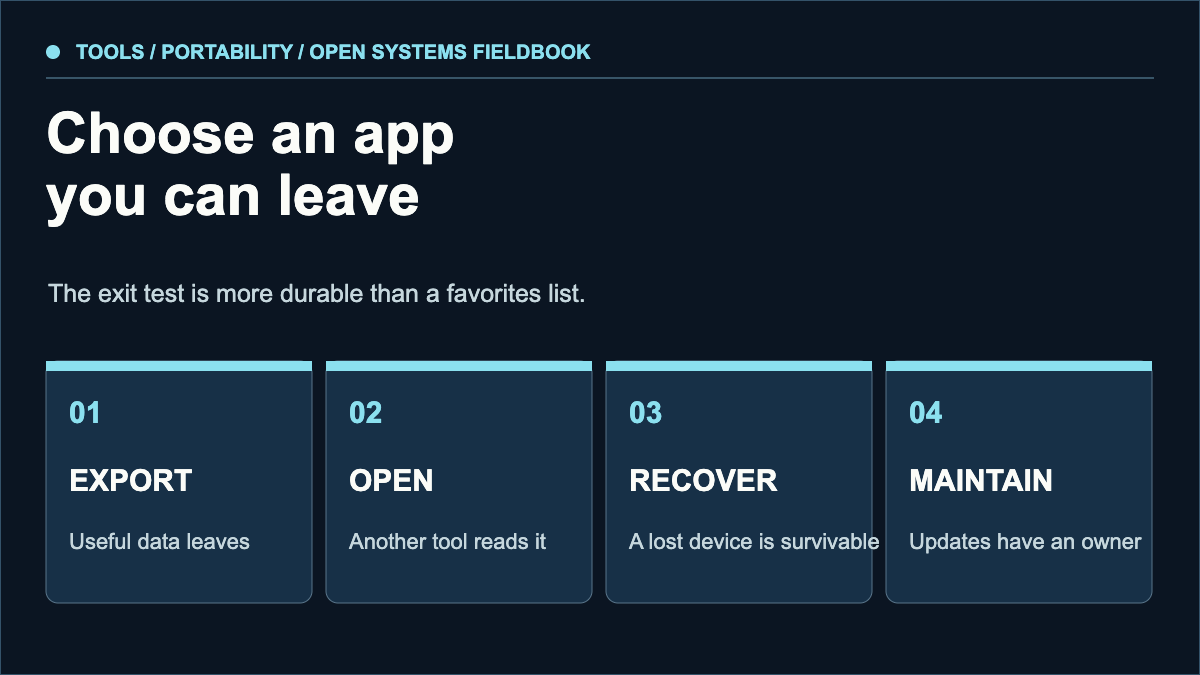
Can you get the useful data in a documented format?
Can another tool read a sample without silent loss?
Can you regain access after losing a device?
Who patches the app, and how do you learn about failures?
Choose a default by workflow
Make a short inventory: mail, notes, calendar, files, browser, password manager, photos and RSS. For each, write down what must work offline, what must sync, which people or devices you share with and how much recovery time you can tolerate. A popular app can be a poor default when its export path fails your real data.
Test a portability question against the system-choice comparison and the persistence checklist. Name the file or setting you would need on another system before choosing an export route. An available menu item is not yet proof that the exported data can be reopened.
Test the exit before the move
Export five representative items and import them into a second tool. Include formatting, attachments, dates and a non-ASCII filename. Compare what arrived with the originals. Do this while the old account still works. A nominal “export” button does not prove that metadata or relationships survive.
For a browser, test bookmarks and passwords separately; for a notes app, test links between notes and attachments; for a calendar, test recurring events and time zones. Keep an encrypted local backup of the exported files and rehearse opening it on another device.
Privacy and continuity are separate tests
Check where data is stored and who can read it, but also examine account recovery, update cadence and whether a service can unexpectedly disappear. End-to-end encryption may protect content from a provider while making forgotten credentials harder to recover. Write down which trade you are accepting.
Change one category at a time
Move a noncritical category first, leave both tools available for a brief overlap and decide what happens to the old copy. For essential accounts, keep working authentication and backup codes until the new setup is verified. An app migration is complete when normal work and recovery both succeed, not merely when an icon appears on the dock.
This is an original portability framework at the historical URL. It does not reproduce the former author's app list or claim to be their current setup.
Sources & scope
These sources support the technical principles above. Commands and compatibility can change; verify the current version before changing a machine.
This is a new, independent edition. Its articles are original editorial work inspired by the domain's technical history; we are not the former author. Meet the author.
A backup is tested when its exported data opens
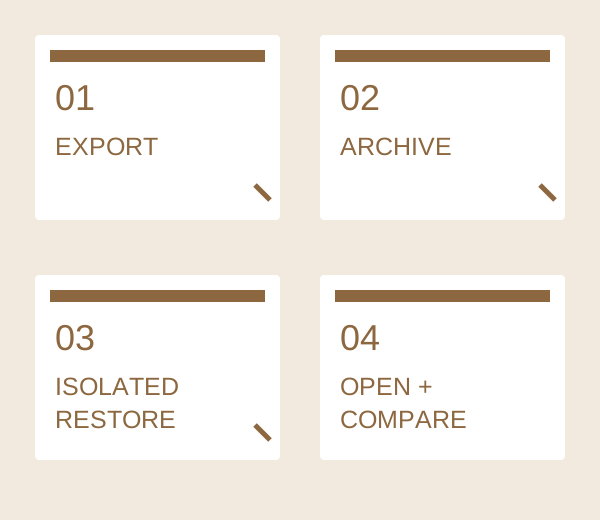
A successful archive command only proves that an archive was written. Test a small, non-sensitive export in a separate directory and compare its contents. Our accompanying text fixture was actually archived, restored and read locally; it does not test your application or backup service.
- Create an export through the application’s documented route. Keep the original intact and record the application/version and export format. A database copied while it is being written may not be a valid application export.
- List the archive before restoring. Reject unexpected absolute paths, parent-directory traversal, links and unrelated files. Restore only into a new empty test directory; never overwrite the working profile as an experiment.
- Open the restored data with the intended reader. Check one specific record, Unicode characters and attachments where applicable. Compare hashes as a byte check, but also verify that the reader can interpret the format.
- Record what was tested and what remains unknown: versions, encryption keys, external dependencies and a full-service recovery may be separate exercises. Keep the test evidence with the export and choose the next review date.
| Field | Example or check |
|---|---|
| Actual fixture | A UTF-8 text record with a title, “café”, “研究” and the line value=42. No user profile or private data is included. |
| Executed check | Python standard-library tarfile: create .tar.gz, inspect members, extract the one expected regular file into a new directory, compare SHA256, read UTF-8, assert value=42. |
| Pass criteria | Exactly one expected regular member; no links or unsafe path; restored bytes equal source; text decoding and the record assertion succeed. |
| Scope limit | This proves the supplied tiny text export round trip. It does not prove a browser profile, NixOS system, encrypted backup or application database can be recovered. |
| Your restore record | Export tool/version __; format __; archive members __; isolated target __; opened record __; attachment check __; missing key/dependency __; next test __. |
Download the worksheet and reproduce the small fixture before adapting the procedure. Keep a failed open as a failure even when the checksum matches: the format or reader may be wrong.