NixOS pros and cons: when to stay or switch
A practical way to weigh declarative configuration, rollback, package support and the work of maintaining a NixOS system.
The archived question was personal: why leave a system that worked? A useful answer for today's reader is a decision method. NixOS trades familiar, imperative administration for reproducible configuration and system generations. Whether that trade is worthwhile depends on the work you actually do.
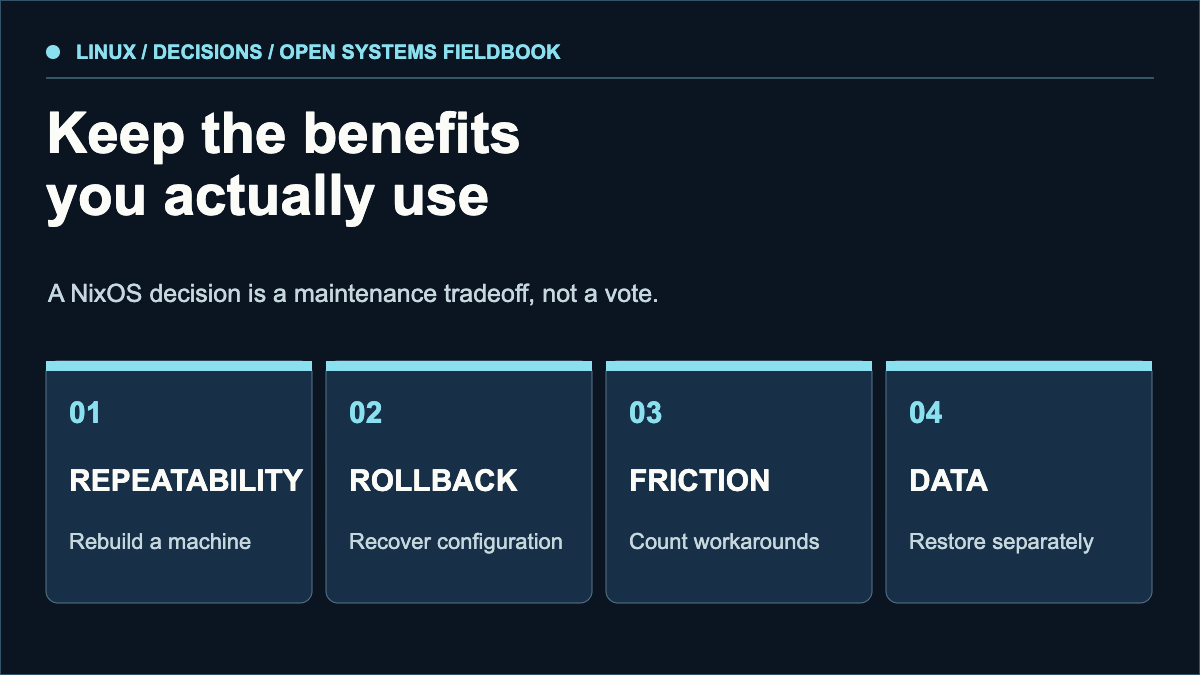
Do you rebuild multiple machines or need to review every system change?
Use the persistence guide to make the trade-off concrete: list the state that must survive, the configuration you would keep and the recovery path you would need. Compare the portable-app choices separately. This is a planning exercise, not a newly executed installation test.
Can you test a new generation and boot an earlier one when configuration fails?
How often do packaging gaps, build time or unfamiliar modules block your work?
Which data is outside the configuration and still needs separate backup?
What generations solve
NixOS builds a system configuration as a generation. The official manual documents switching back after a configuration change and selecting an older generation at boot when needed. This is powerful for broken service settings or package upgrades. It is not a time machine for databases, documents or other mutable data. Keep ordinary backups and rehearse a restore.
Where the cost appears
The initial learning curve is real: modules, the Nix language, package overrides, hardware-specific settings and the boundary between declarative and persistent state. A cross-machine configuration can repay this cost when it eliminates repeated setup. For a single experimental laptop, a conventional distribution might provide a simpler path to the same daily tasks.
Measure the friction instead of arguing from ideology. Track the last ten maintenance tasks. How many became easier to reproduce? How many required a workaround? Did a rollback help? How long did a fresh machine take to reach a usable state? Keep those answers next to the reasons you chose the distribution.
Run a reversible trial
- Write down the services, packages and personal settings that matter.
- Build a disposable VM or spare machine from your configuration, without moving irreplaceable data.
- Make one deliberate bad configuration change and practice returning to an older generation.
- Restore application data separately from a backup; check that the service can use it.
- Compare total effort with your current system after several real maintenance tasks.
A reproducible operating-system configuration does not automatically make application state reproducible. Treat configuration rollback and data recovery as two separate drills.
When to stay, when to leave
Stay if reproducibility, reviewable changes and controlled rollback solve recurring problems. Leave if the configuration layer repeatedly delays your work without giving you a benefit you use. A move is a valid engineering choice, not a verdict on everyone else's setup.
Sources & scope
These sources support the technical principles above. Commands and compatibility can change; verify the current version before changing a machine.
This is a new, independent edition. Its articles are original editorial work inspired by the domain's technical history; we are not the former author. Meet the author.